Reviews, rules and ranking
How to set up a Google Business Profile (and claim yours)
By the Ask & Get Reviews team · Updated · 4 min read

Quick answer
Go to business.google.com, search your business name, and either claim the existing listing or create a new one. Pick your category, add your address or service area, phone and website, then verify with the method Google offers.
What is a Google Business Profile?
A Google Business Profile is the free listing that shows your business on Google Search and Google Maps: name, hours, phone, photos and reviews. It used to be called Google My Business. For local businesses it's often the first thing a new customer sees.
Step 1: Create or claim your profile
- Go to business.google.com and sign in with a Google account you'll keep long-term.
- Search your business name.
- If it already exists, choose to claim it. If not, add a new business.
- If someone else already owns the listing, request access and Google will contact them.
Step 2: Choose your category
Your primary category tells Google what you do (for example Plumber or Hair salon). Pick the most specific one that fits. You can add secondary categories later.
Step 3: Add your location or service area
If customers come to you, add your address. If you travel to customers, like plumbers or cleaners, hide the address and list the towns or areas you serve.
Step 4: Add contact details
- A phone number customers actually reach.
- Your website or booking page.
- Opening hours, including holiday hours.
Step 5: Verify your business
Google will ask you to verify that you run the business. Depending on your business, this may be a video recording, a phone or text code, an email, or a postcard. Your profile won't fully show until it's verified.
Step 6: Finish the basics
- Write a clear description of what you do and where.
- Add real photos of your work, team and premises.
- List your main services.
- Add common questions and answers to your profile and website, so customers find answers fast.
Setup tips by industry
- Plumbers, HVAC, cleaners and roofers: you usually go to customers, so set a service area and hide your home address.
- Restaurants, salons, dentists and auto shops: customers come to you, so show your address and make sure the map pin sits on your actual door.
- Real estate agents: use your own name or team name as it appears on your license and website, and list the areas you serve.
- Businesses with several locations: create one profile per location, each with its own phone number and hours.
Mistakes that delay or block verification
- Adding keywords or city names to your business name.
- Using a virtual office or PO box as your address.
- Phone numbers or websites that don't match what's on your signs and invoices.
- Creating a new profile when one already exists for your business. Claim the existing one instead.
- Signing in with a personal account an ex-employee controls. Use an account the owner keeps.
Preparing for video verification
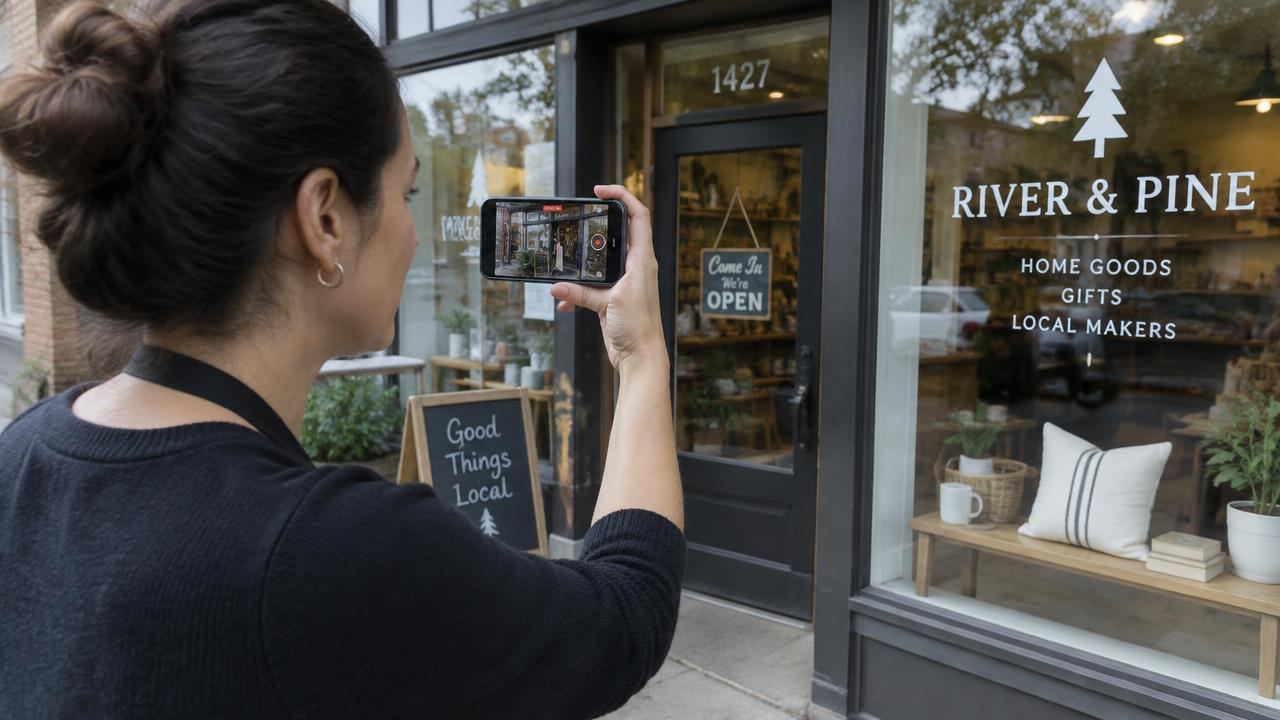
Google often asks for a short video. Plan it before you start: show your street or signage, the outside of your premises or vehicle with your branding, and something that proves you run the business, like opening the shop or showing your tools and equipment. Keep it continuous, without cuts. Service-area businesses can show a branded vehicle and work equipment.
Less chasing. More consistency.
Your review routine, in 20 seconds.
After verification
Once you're verified, add a few real photos, check your hours, and copy your review link so you can start asking customers. Then follow our optimization guide to keep the profile active over time.
Adding services and questions
After verification, add your main services with a sentence or two each, and prices if you're comfortable sharing them. Then think about the questions customers ask most on the phone: Do you work weekends? Do you offer free estimates? Which areas do you cover? Put clear answers on your website and in your profile description, so customers get answers before they call.
Plumbers and HVAC companies often get asked about emergency call-outs; salons about walk-ins; restaurants about reservations and parking; auto shops about loaner cars. Answer the ones that apply to you.
Who should own the profile
The profile should be owned by the business owner's Google account, with managers or agencies added as managers. That way, if a staff member or agency leaves, you keep control. Check who has access at least once a year and remove anyone who no longer needs it.
Setup checklist
- Sign in with an account the owner controls.
- Search for and claim an existing listing before creating a new one.
- Pick the most specific primary category.
- Add your address, or a service area if you travel to customers.
- Add phone, website and hours, including holiday hours.
- Verify using the method Google offers.
- Add a description, services and real photos.
- Copy your review link and start asking every customer.
- Add managers rather than sharing the owner's password.
How long it takes
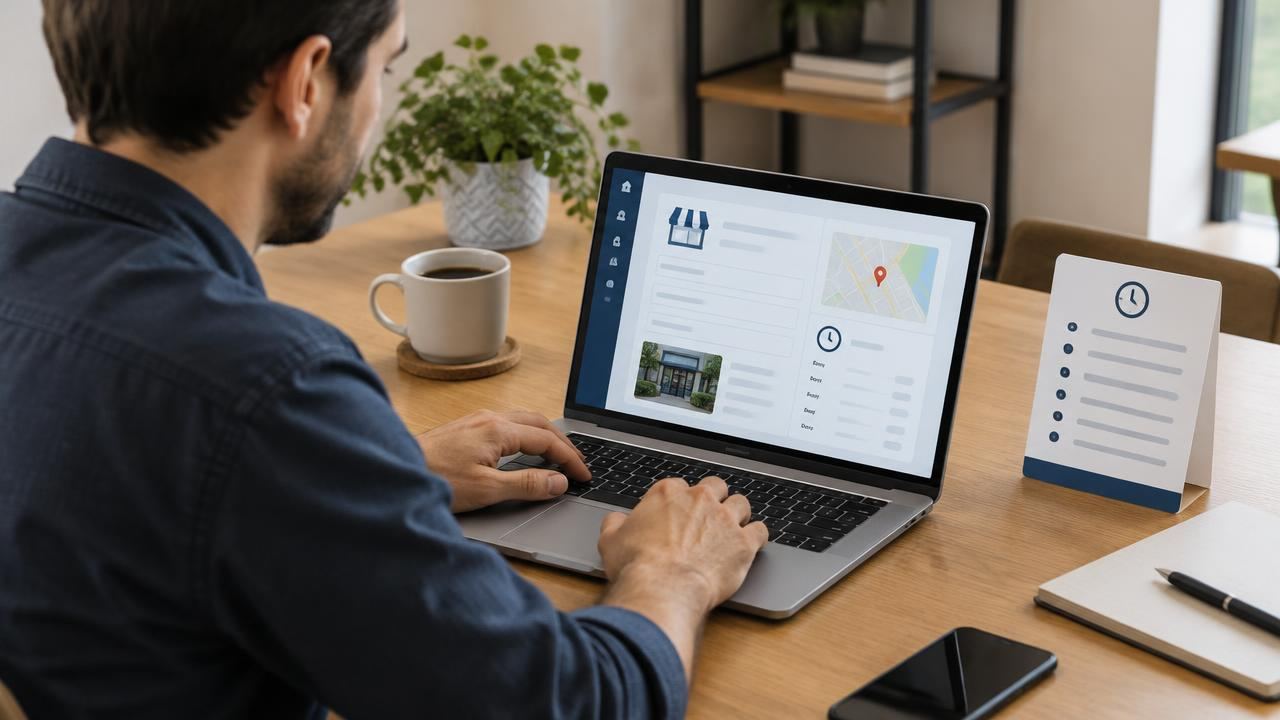
Filling in the profile takes under an hour if you have your details ready. Verification can be same-day with video or phone, or a couple of weeks by postcard. Your profile starts showing fully once it's verified; give Google a few days after that to update search results.
Next: start collecting reviews
Once verified, copy your Google review link and start asking every customer. Then keep your profile fresh by following our guide to optimizing your Google Business Profile.
Common questions
Is a Google Business Profile free?
Yes. Creating and managing a Google Business Profile is free.
How long does verification take?
It varies. Video and phone verification can be quick; a postcard can take up to a couple of weeks.
Can I have a profile without a shop address?
Yes. Service-area businesses can hide their address and show the areas they serve instead.
Sources
Want this done for you?
We ask every customer, follow up, and reply to reviews for you. Plans from $149/month, no contract.
Related guides
- How to optimize your Google Business Profile for more calls
- How to find your Google review link
- How to leave a Google review for a business (step by step)
By industry: plumbers · HVAC companies · cleaning companies · landscapers · dentists · salons · Roofing reviews that win more jobs · Real estate agent reviews on Google · Restaurant Google reviews, made easy · Auto repair reviews that build trust