Your Google review link
How to leave a Google review for a business (step by step)
By the Ask & Get Reviews team · Updated · 4 min read
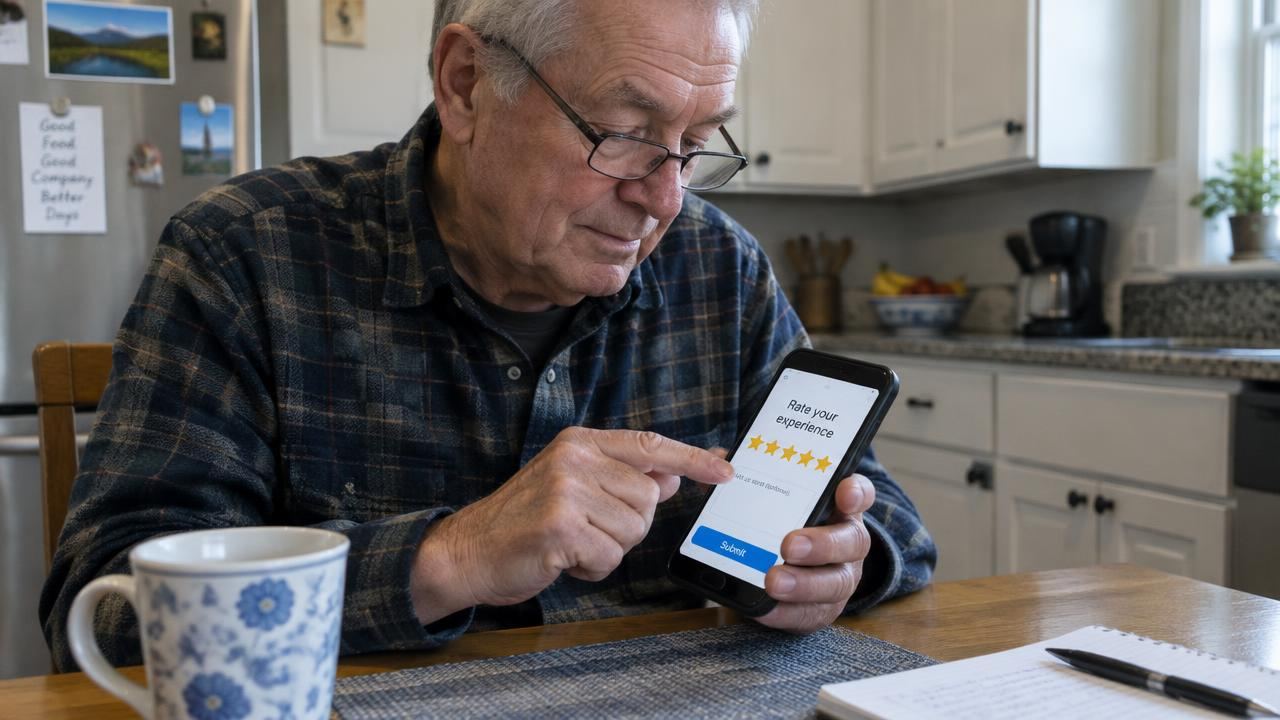
Quick answer
Search the business on Google or Google Maps, tap Reviews, then Write a review. Pick a star rating, write a few honest sentences, and tap Post. Or open the business's direct review link to skip the search.
Before you start
You need a Google account to leave a review. If you use Gmail, YouTube or an Android phone, you already have one. Reviews show your Google name and photo.
How to leave a Google review on your phone
- Open Google Maps or the Google app.
- Search the business name and open its listing.
- Scroll to Reviews and tap Write a review (or tap the stars).
- Choose 1 to 5 stars.
- Write a few honest sentences about your visit.
- Add photos if you like, then tap Post.
How to leave a Google review on a computer
- Go to google.com and search the business name.
- In the business panel on the right, click Write a review.
- Pick your stars, write your review and click Post.

The fastest way: the direct review link
Many businesses send a direct Google review link by text or email. It opens the review form straight away, so there's nothing to search. Business owners can make one with our free Google review link generator.
What to write in a review
- What you had done and when.
- What went well, or what didn't.
- Names of staff who helped, if you remember.
- Whether you'd recommend them to a friend.
How to see, edit or delete your Google reviews
Open Google Maps, tap your profile picture, then Your contributions (or Your profile) and Reviews. From there you can edit or delete any review you've written. Business owners can see reviews of their business in their Google Business Profile.
A message businesses can send with this guide
Many customers are happy to help but aren't sure how. If you run a business, you can send them this page together with your direct link. For example:
Hi Emma, thanks again for coming in! If you'd like to leave a Google review, this link opens the form directly: [link]. Not sure how? This short guide helps: [this page]
Thanks for choosing us. If you have a minute, an honest Google review would help other people find us. Just tap the link below, pick your stars and write a sentence or two. It only takes a minute.
Tips for writing a helpful review
The most useful reviews are specific. Instead of "Great service," say what you had done and what stood out: "They replaced our water heater the same day and cleaned up after." Mention people by first name if they helped you. If something went wrong, say so calmly and say how the business handled it; that's useful for others too.
Reviews for different kinds of businesses tend to focus on different things. For a restaurant, the food, service and atmosphere. For a salon, the result and how you were looked after. For a contractor or auto shop, timing, price clarity and whether the problem stayed fixed.
Less chasing. More consistency.
Your review routine, in 20 seconds.
Common problems and fixes
- "I can't find the Write a review button": make sure you are signed in to your Google account, or use the business's direct link.
- "My review disappeared": Google may be checking it, or it may have been filtered. Avoid links and phone numbers in the text.
- "I want to change my stars": open your reviews in Google Maps and edit it any time.
- "I left it on the wrong business": delete it and leave it again on the right listing.
Leaving a review for different kinds of businesses
The steps are the same for every business on Google, whether it's a plumber, a restaurant, a dentist or a real estate agent. For service businesses that come to your home, the listing may show a service area instead of an address; search the business name and town to find it.
If a business has several locations, check that you're on the right one before posting. The address or area shown at the top of the listing tells you which location you're reviewing.
Adding photos to your review
Photos make reviews more useful. A picture of the finished garden, the new haircut, the meal or the repaired car helps other people see what to expect. On your phone, tap the camera icon in the review form to add photos from your gallery. Avoid photos with other people's faces, number plates or house numbers if you'd rather keep them private.

Why your review matters to small businesses
For a small local business, each review makes a real difference. New customers read them before calling, and owners read every one. A few honest sentences about your experience help good businesses get found and help others choose with confidence.
Why your review isn't showing
Google checks new reviews automatically. A review can take a little while to appear, and Google may hide reviews that look like spam, contain links, or break its policy. Reviews written by staff or in exchange for rewards are not allowed.
Common questions
Do I need a Gmail account to leave a Google review?
You need a Google account. Any Gmail address works, and you can also create a Google account with another email.
Can I leave a Google review without my name showing?
Reviews show your Google profile name. You can change that name in your Google account settings.
Can business owners send this guide to customers?
Yes. Share this page with customers who aren't sure how to leave a review.
Sources
Want this done for you?
We ask every customer, follow up, and reply to reviews for you. Plans from $149/month, no contract.
Related guides
- How to find your Google review link
- How to set up a Google Business Profile (and claim yours)
- How to optimize your Google Business Profile for more calls
By industry: plumbers · HVAC companies · cleaning companies · landscapers · dentists · salons · Roofing reviews that win more jobs · Real estate agent reviews on Google · Restaurant Google reviews, made easy · Auto repair reviews that build trust